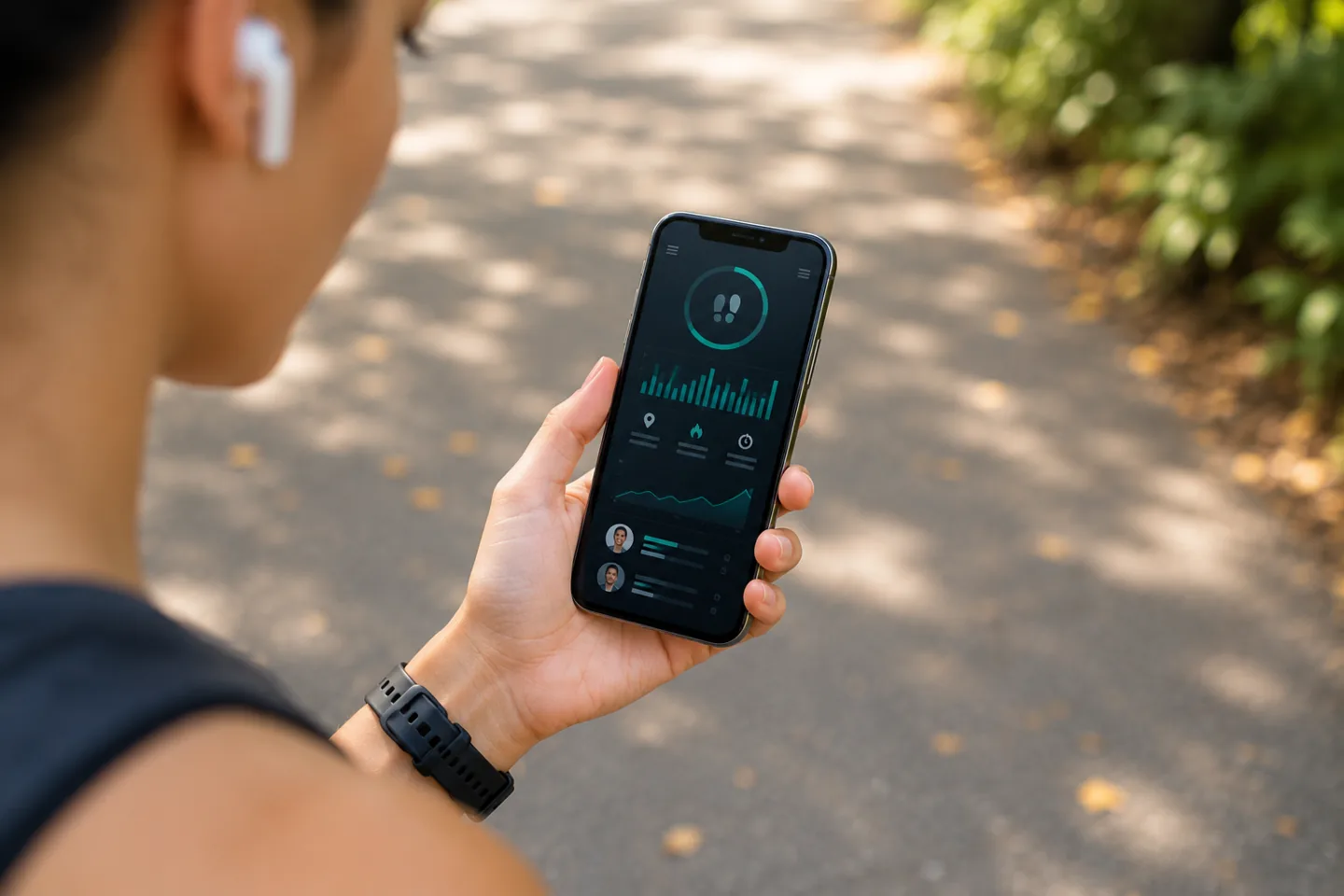
How to Run a Step Challenge With Friends
A good step challenge starts with an agreement your friends can explain in one sentence: who is joining, when it runs, and how the standings work. Get those decisions right and the daily task becomes simple: record your steps, check in, and encourage someone else.
This guide walks through a small private competition using real StepClash controls. The example group is illustrative, so you can adapt the plan without copying somebody else’s goal.
1. Choose the kind of competition your friends want
Ask whether your group wants a habit-building challenge, a shared team effort, or a race for the most steps. Those are different games.
- Custom individual challenge: standings use Energy Score. Goal days contribute 50%, logging days 30%, and recorded steps toward a personal daily goal across the full challenge contribute 20%.
- Team race: choose combined team steps or average steps per assigned member. Total-step races benefit from comparable team sizes.
- Weekly Sprint: a ready-made Monday–Sunday race in America/Regina time. It ranks total weekly steps and holds up to 25 people per wave.
For a first private competition, choose one format and explain it clearly. Read the step challenge format guide before opening the builder.
2. Give the challenge a short, clear brief
Here is a sample setup for four friends:
The Lunch Break Crew
A seven-day individual challenge for four friends. We will each choose a daily step goal in Settings, record or sync our steps, and check in after lunch. Standings use Energy Score rather than raw steps alone.
Use a manageable window so everyone can understand the commitment. Set a name, start date, end date, and description. The builder’s suggested step target is motivational; it does not replace the ranking formula.
If your friends have different starting points, talk about sensible personal goals before launch. Energy Score uses each person’s goal, but that does not automatically make every set of goals equally matched. An unset daily goal uses 10,000 steps, so ask everyone to check Settings.
3. Decide how joining should work
In Create a Challenge, choose public or private visibility, an optional participant limit, and whether ordinary joining needs approval. Review the setup before launching.
After launch, open Manage participants → Invitations to generate an invitation link. Share that link with your intended friends. A normal link to the challenge page does not grant private access.
Important distinction: a valid generated invitation can authorize direct joining, including private challenges and challenges that normally require approval. Capacity limits still apply. Generated links expire after seven days and allow up to 50 uses; organizers can revoke them.
4. Send an invitation that answers the first questions
Want to join our walking week? Our StepClash challenge, [name], runs from [start] to [end]. We are using [format and scoring]. Create or sign in to your account, then use [invitation link] to join. Please check your daily step goal and tracking setup before the first day. Ask [organizer] if anything looks wrong.
For team challenges, add the team name and explain whether people choose their team or receive a team-specific invitation. Participants can see standings; a private challenge is not anonymous.
5. Make the first daily check-in easy
Friends can enter a daily total manually or connect a supported provider such as Garmin or Fitbit. Android source options depend on device permissions and setup. Start with the setup FAQ if someone needs help.
Ask everyone to check the date and total. Device updates can arrive late, so review existing entries before filling a gap manually. The aim is one accurate record of activity, not a second copy of steps already synced.
Keep encouragement specific: “Nice job checking in again” or “Anyone walking after lunch?” gives the group something useful to respond to without turning every conversation into a rank comparison.
6. Agree on late joining and prizes in advance
Eligible records within the full challenge dates count, including activity from before someone joined. Joining halfway through does not restart the scoring window. Tell people this before they accept an invitation.
If you offer a prize, say who provides it and how it will be delivered. Advertised prizes are organizer-managed unless automatic SCBucks payout is explicitly authorized by an administrator. A prize description alone does not arrange payment.
7. Finish with a reason to keep going
At the end, look at the standings and ask one practical question: what made it easier to show up? Keep the part that worked, whether that was the lunch walk, the group message, or the short challenge window.
You can plan another competition, try the Weekly Sprint, or follow a more personal 30-day walking challenge plan. If the group grows into a workplace event, use the workplace rules and scoring guide.
Ready to organize? Explore StepClash friend challenges and create a free account.

Comments
Join the conversation on this article.
Log in to comment.
LoginNo comments yet.